
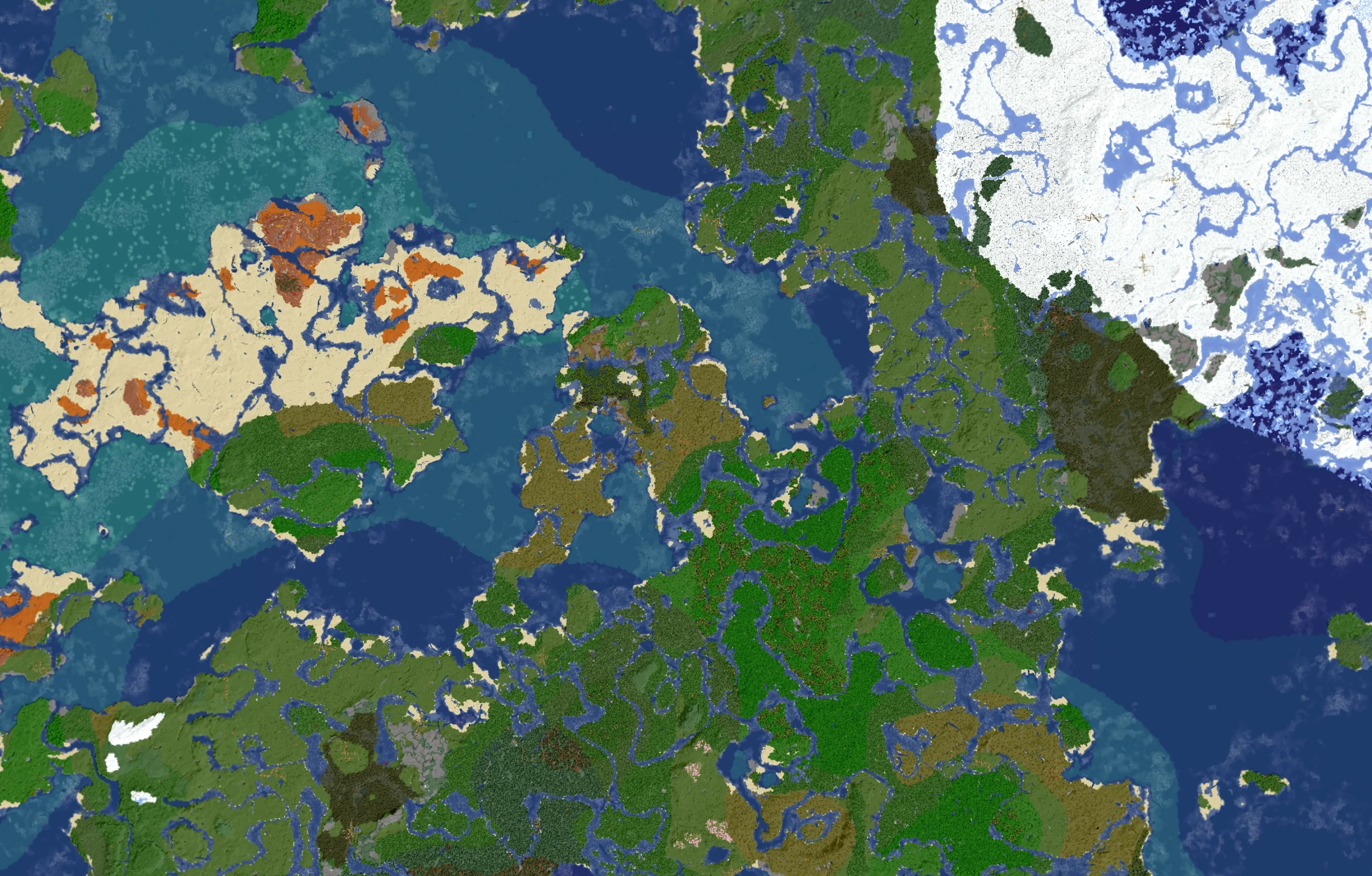
A 2-week Minecraft experience
It’s OVER, but come back next year! (2027)
More information Below
How To Join:
PLAY.PBE.IM
On Java edition, go to multiplayer, then add server, then, Use the IP: “play.pbe.im”
On bedrock edition navigate to the multiplayer section then scroll down and press add server, add a name of your choice then use the IP: “play.pbe.im”, Make sure to keep the port number at the default 19123
What sets us Apart:
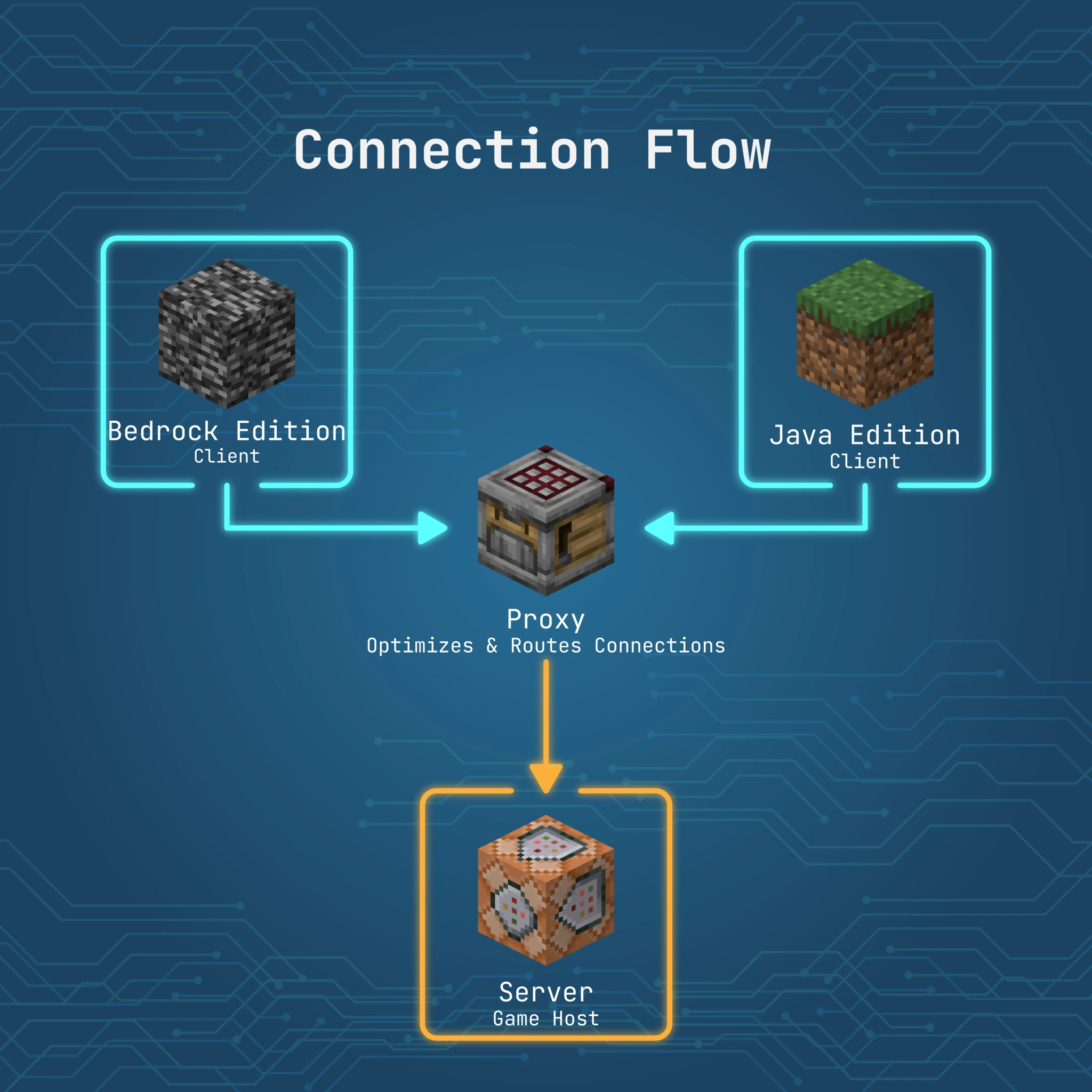
Play everywhere:
with Java and bedrock support
- Play on your PC, Console, switch, phone and even VR headsets**
- Java Mechanics are passed over: No more glitched Redstone
- Bedrock players show up as: “.{username}”
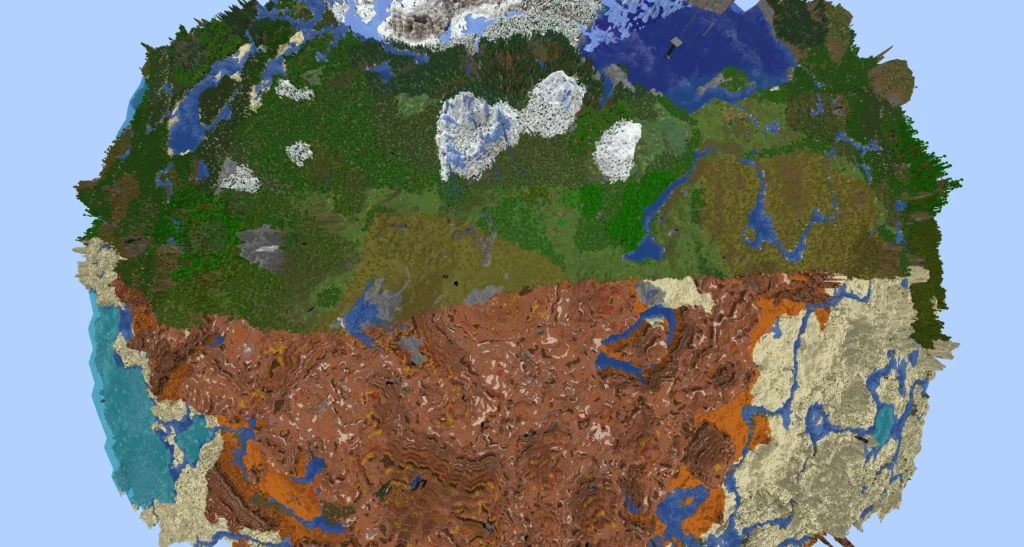
Extended your render distance:
with Distant Horizons
- Server side LOD rending and distribution
- see the extended world before you explore it
Scope out the best base spot:
with our 3D map
- Fully featured web map
- Mobile friendly
- Displays player location and claims
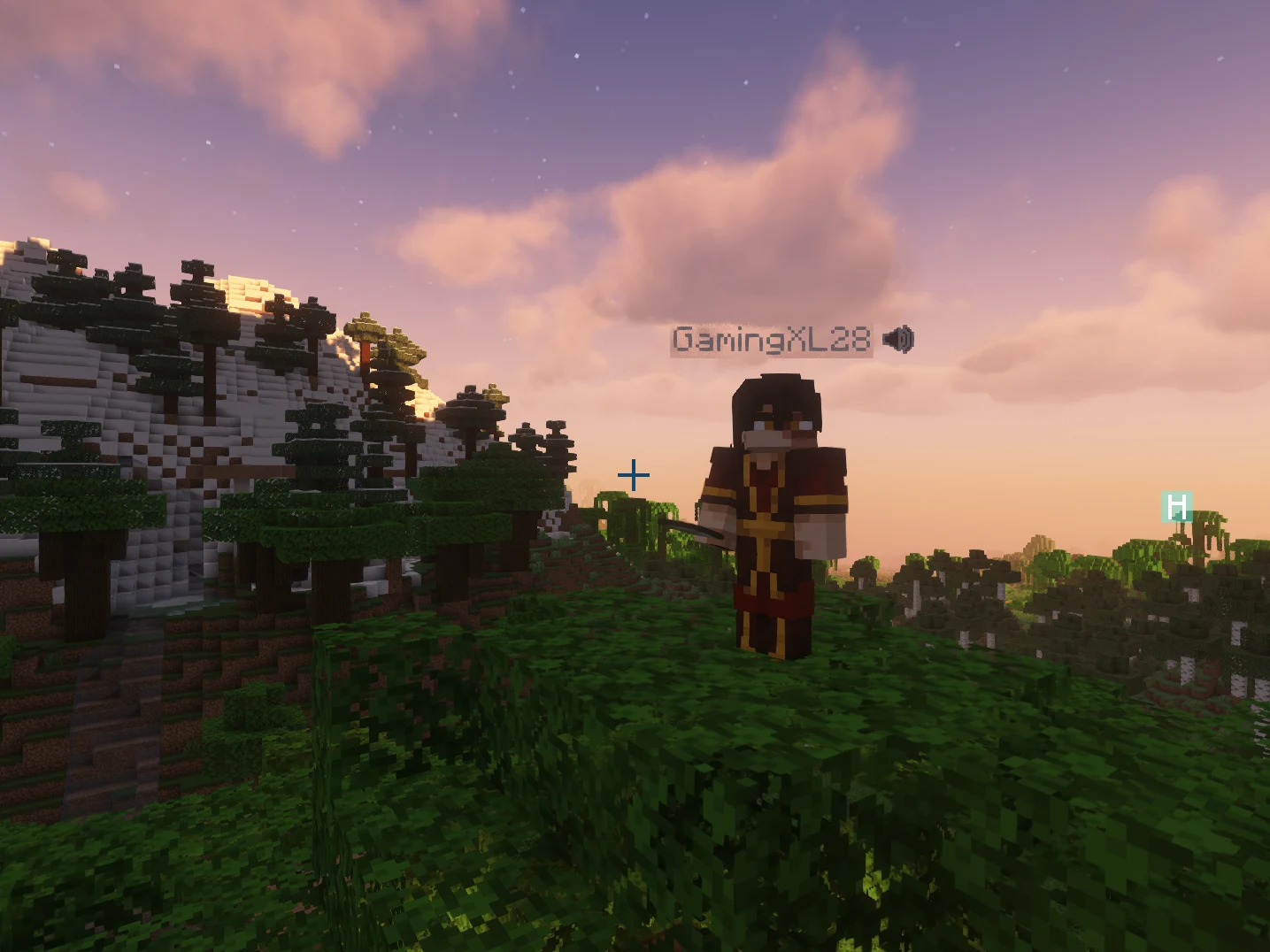
Voice Chat
- Available exclusively on Java edition
- Proximity based, with permanent group functionality
- Requires use of modpack
Know the Rules
You must accept these before joining
Join Now!
Learn how below
FAQs
What version is the server on
The server runs a modded version of 1.21.11
With a folia backend and a velocity proxy
Should I play on Bedrock of Java
if you have the option to play on both we highly recommend playing on the Java Version, in addition to the optional mods and shaders, the server natively runs this edition of the game
What do I get by installing fabric and mods?
- Significantly improved performance
- VoiceChat
- Shaders (game looks better)
- replay mod (record the state of the game) Learn more
- minimap, way points, and improved game control.
Can I use VoiceChat on Bedrock
No, Unfortunately we don’t have a stable/secure way to connect to the bedrock voice chat system
Is the server open right now?
The server opens on January 26th